 CONTINUUM
CAPTURE
Record a meal and its context
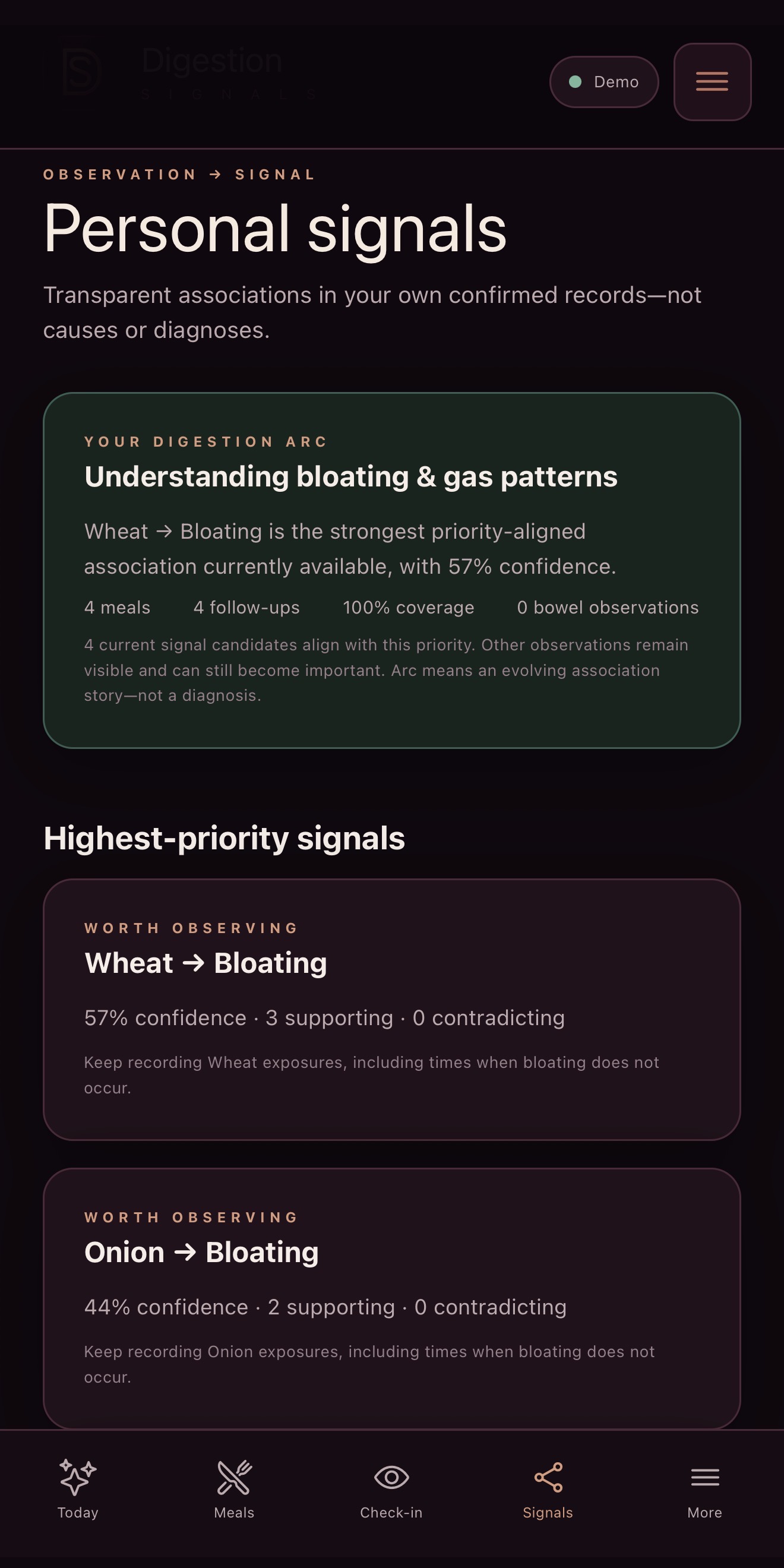
Note the meal, ingredients, portion and timing you want to remember. Review any extracted food information before relying on it.
DIGESTION SIGNALS · PRIVATE BETA
Keep meals, hydration, symptoms, bowel observations and times you feel well together, so you can return to a fuller picture of your day.
RECORD · OBSERVE · REVIEW
Keep ingredients, portion and timing. Follow up with symptoms or times you feel comfortable.
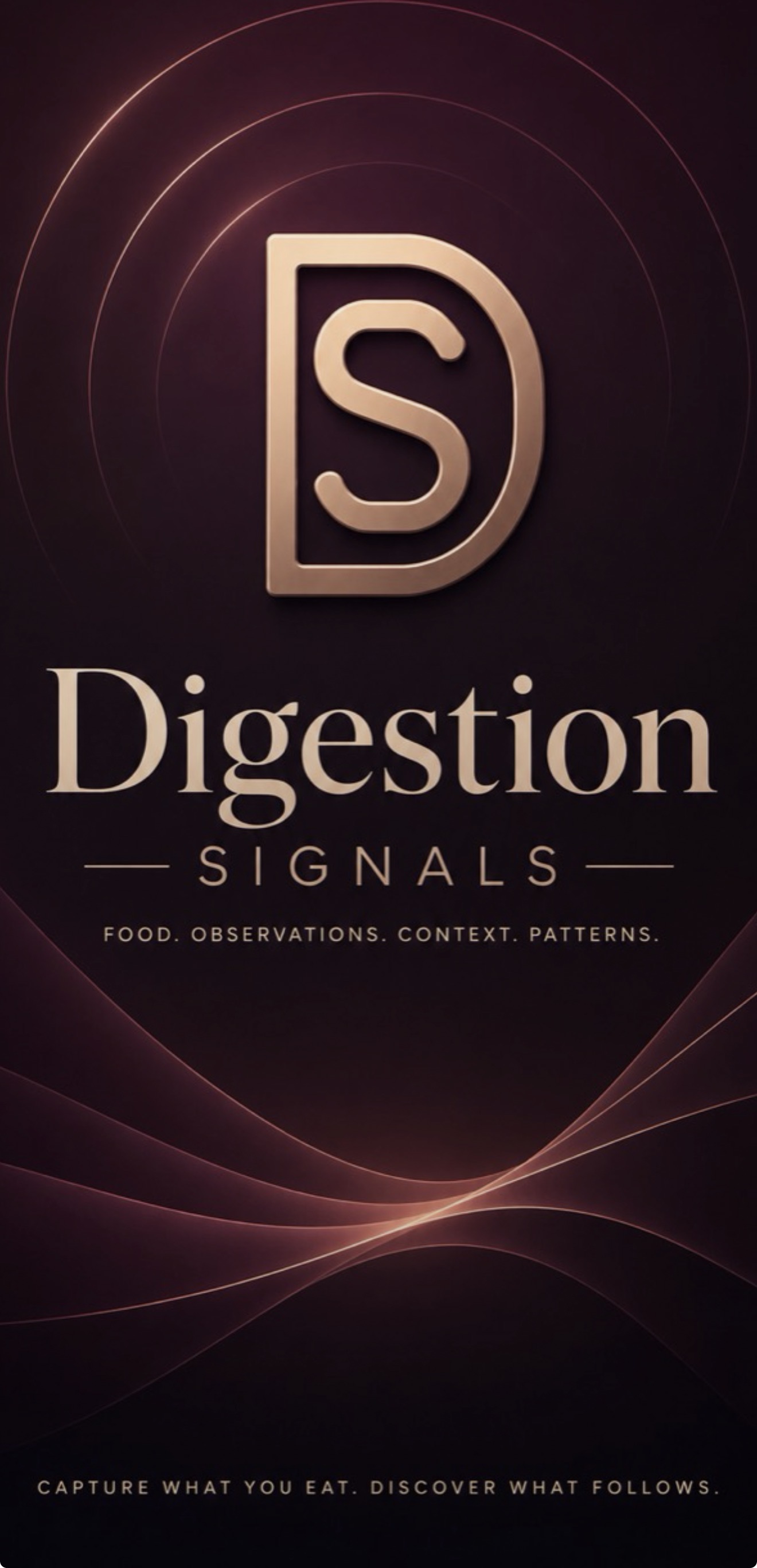
This sample history contains four meals and four follow-ups. The wheat–bloating signal has three supporting observations and none contradicting it.
The app asks for wheat exposures without bloating too. Those entries help the review include occasions that do not fit the first pattern.
This demonstration contains no bowel observations. Coverage describes the sample history; confidence is not diagnostic accuracy or proof of an intolerance.
CAPTURE
Note the meal, ingredients, portion and timing you want to remember. Review any extracted food information before relying on it.
OBSERVE
Return when you have something to note—including feeling comfortable. Keep symptoms or symptom-free periods with the timing and surrounding circumstances.
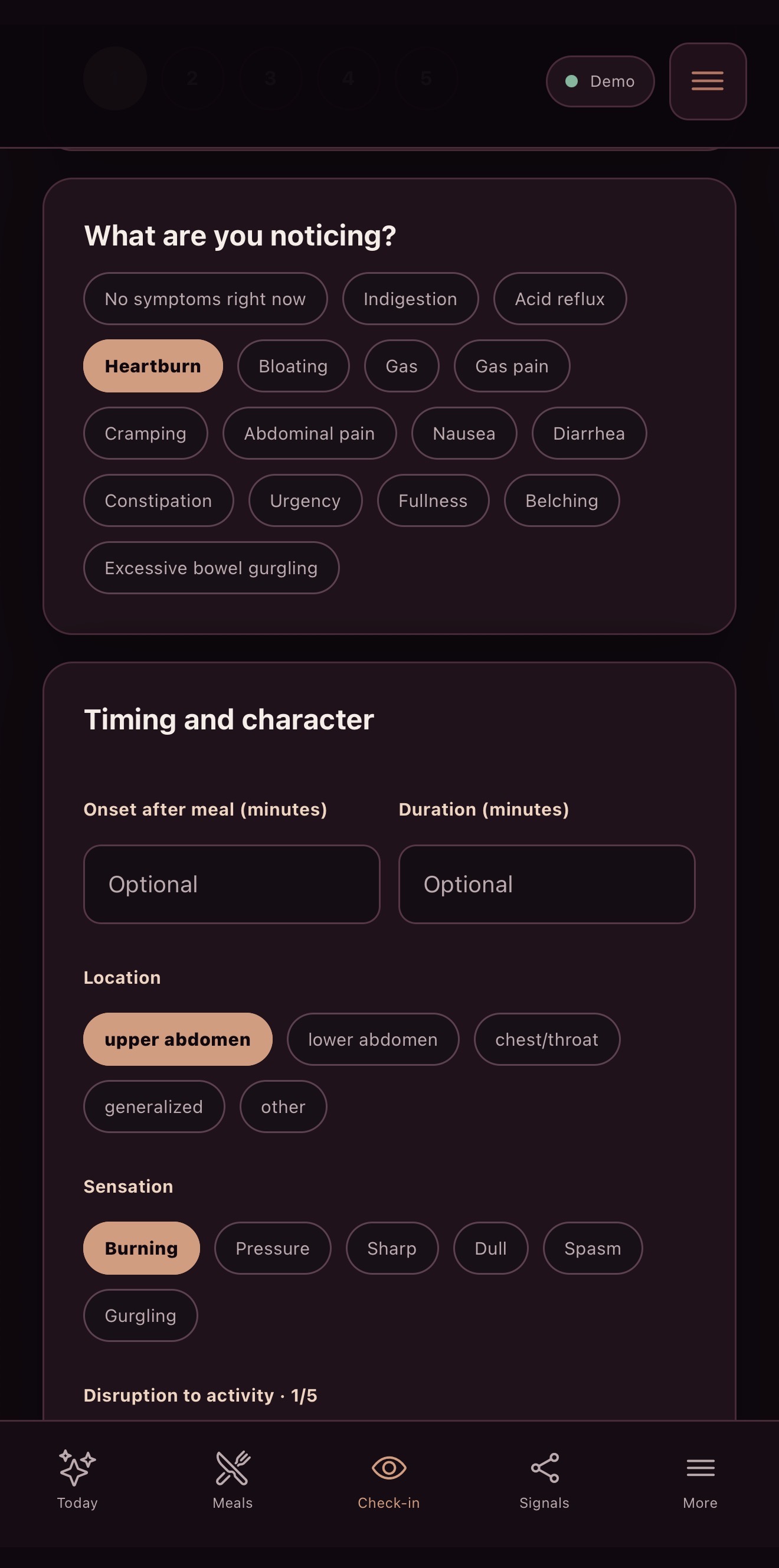
Separate demonstration entries: these meal and heartburn screens are not the history behind the bloating example above. A displayed entry is not a completed save.
Detailed bowel entries can also include Bristol stool form, urgency and timing.
OPTIONAL CONNECTIONS
Use Digestion Signals on its own, or choose to add reviewed digestive summaries to your broader SignalArc record. Your connection settings control supported sharing.
You can manage automatic summary sync or send a summary yourself through the app’s connection controls.
Turning automatic sync off stops automatic uploads. It does not remove existing summaries or prevent an explicit “Push summary now” action.
Raw notes, meal and package photos, raw wearable samples, AI conversations, clinician details and direct identifiers are excluded by default. Precise coordinates and addresses are excluded from normal profile sync.
App connections and participation in a partner program have separate permissions.
 Digestion Signals
 SignalArc
Photos and private notes are excluded from summary sync.
FOR ORGANIZATIONS
Digestive and bowel programs can be scoped through Cohorts & Insights. Research inquiries have separate arrangements.
See digestive programs and research →PRIVATE BETA
Tell us your device and app interest. We’ll confirm compatibility and send setup details if you’re invited.